Engagement transcript
The Engagement transcript is where the real time engagement occurs. The Active Engagement window displays different content for the agent to assist with conversation management and provide additional insight to the customer.
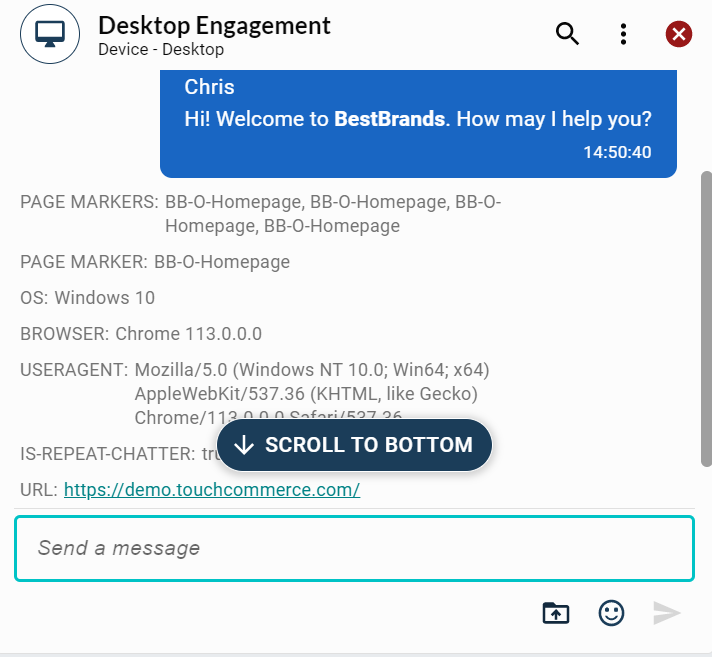
Note: Data pass, system script lines and most system messages are available for configuration.
Data pass
Tip: The client data layer enables you to remove the Data pass from the page or pass it via cookies. Variation options are available. See the Digital Program Manager for more information.
Data pass are variables that provide customer, device, and website information to the agents, such as:
-
Operating System
-
Browser
-
Pages viewed (Page Markers)
-
Cart Details
-
Returning Customer (Repeat Chatter) True/False?
Agent script lines
The Agent script lines consist of system script lines and new script lines (created by the agent). These are always present on the left-hand side of the Active Engagement transcript window.
Customer conversation lines
The Active Engagement transcript window always displays the customer conversation lines on the right-hand side.
System messages
System messages display during the real time engagement. Here are the common system messages:
-
Customer stopped typing...
-
Customer is typing...
-
Customer Closed Engagement Window
-
Customer has minimized engagement
-
Customer has restored engagement
-
Lost Connection, attempting to reconnect
Note: System messages are configurable and approved by the client.
You can navigate the Engagement transcript section by using keyboard commands or screen reader functionality. This enables the user to focus on the information and individual bubbles that are displayed when navigating the engagement transcript.
Navigate the transcript section
-
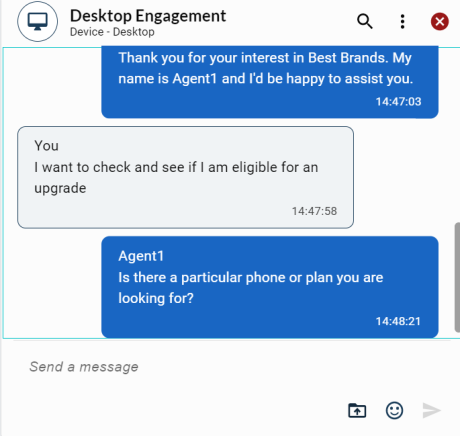
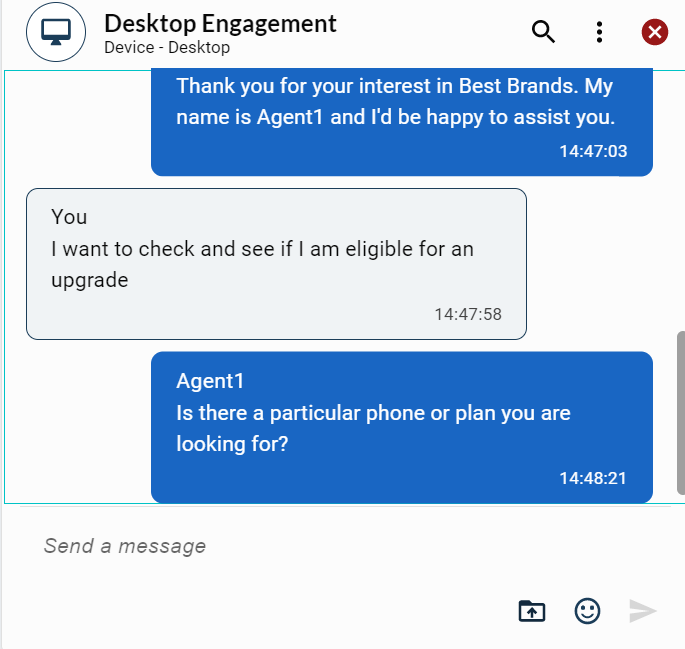
Click the Engagement transcript section or use the Tab key. The transcript section displays a blue outline when in focus.
-
Use the Up and Down keyboard arrows to navigate through the system messages and message bubbles. A blue outline appears for the message currently in focus.
Note: The Active Engagement transcript window also displays additional active features for the agent to use during conversation management. These active features are configurable by program during the set-up phase.
