Persisting layouts
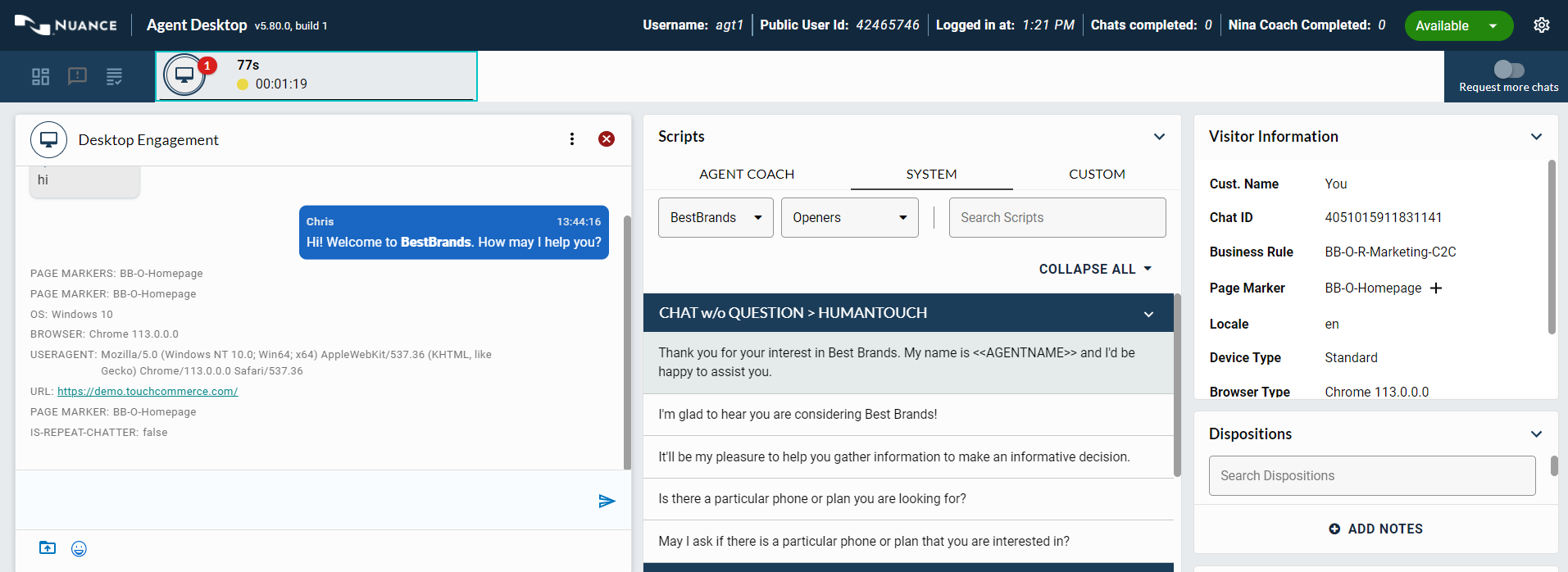
Agents have the ability to customize their layout of Agent Desktop and have their layouts persist across login sessions. Agents must either save or update a custom layout for it to be applied to a new engagement.
Customize layouts
Agents can customize their Agent Desktop layout during an active engagement. Whenever you modify the layout of an active engagement and save as a custom layout, the custom layout applies to all new engagements for that agent.
Using a layout template
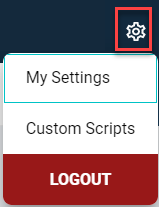
Agents can access a list of layout templates by clicking on the gear icon and selecting My Settings.
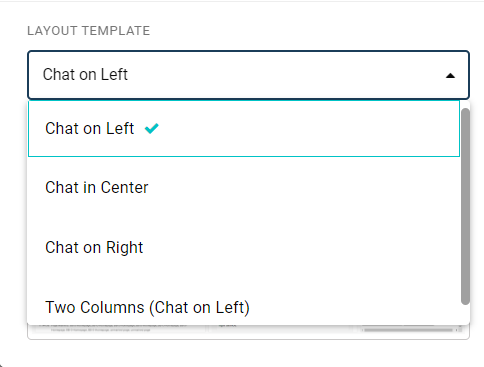
The Chat Template drop-down menu displays four template options in the My Settings window.
Sizing screen components
Agents can change the width of columns and resize or collapse tiles to modify the layout of the current engagement.