Customer name display
Agent Desktop can display the customer’s name or nickname on the chat tab whenever an agent receives a chat. When the agent receives multiple chats, they can keep track of them by viewing the customer name on each tab.
Enable customer name in Portal
The Display Customer Name feature must be enabled in Portal for the client site or Agent Group, or at the Business Unit level for non-Agent Group enabled sites. This is done on the Administration > Engagement Experience > Workforce Management page. This setting is disabled by default.
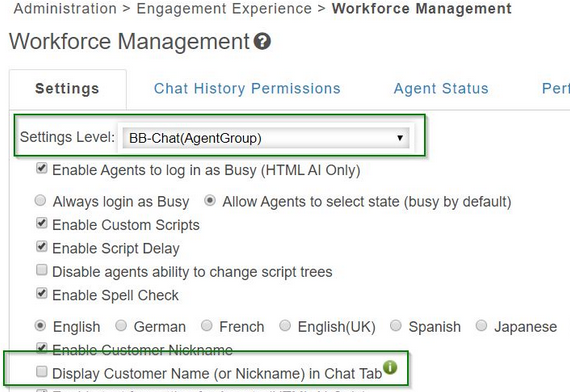
Viewing customer name on chat tabs
When the Display Customer Name setting is enabled for at least one Agent Group, Business Unit or Site that the agent belongs to:
-
If the customer name is not available or set to ‘You’ or ‘Me’, the last 6 digits of the customer ID will display on the chat tab.
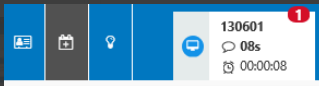
-
If the customer name is set at the start of the engagement, the chat tab will display to customer name. If the customer name is set during the engagement, the chat tab will be updated to display the customer name instead of the customer ID.
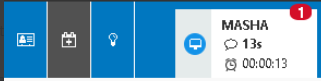
-
The customer name / customer ID will display in bold at the top of the chat tab for all engagements based on the agent’s login settings.
