Customer nickname field
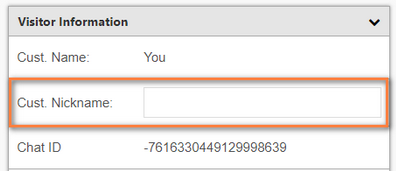
Clients can add a Customer Nickname field into the Visitor Information section of Agent Desktop.
Portal setting
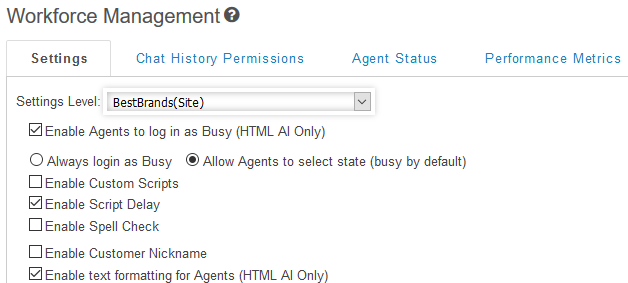
Controls to enable the Customer Nickname field are located on the Administration > Engagement Experience > Workforce Management page.
Customer nickname
Once the feature is enabled, the agent can click in the Customer Nickname field and add a value. Once the value is saved, it will replace instances of “You” in the agent’s Desktop Chat and in the transcript.
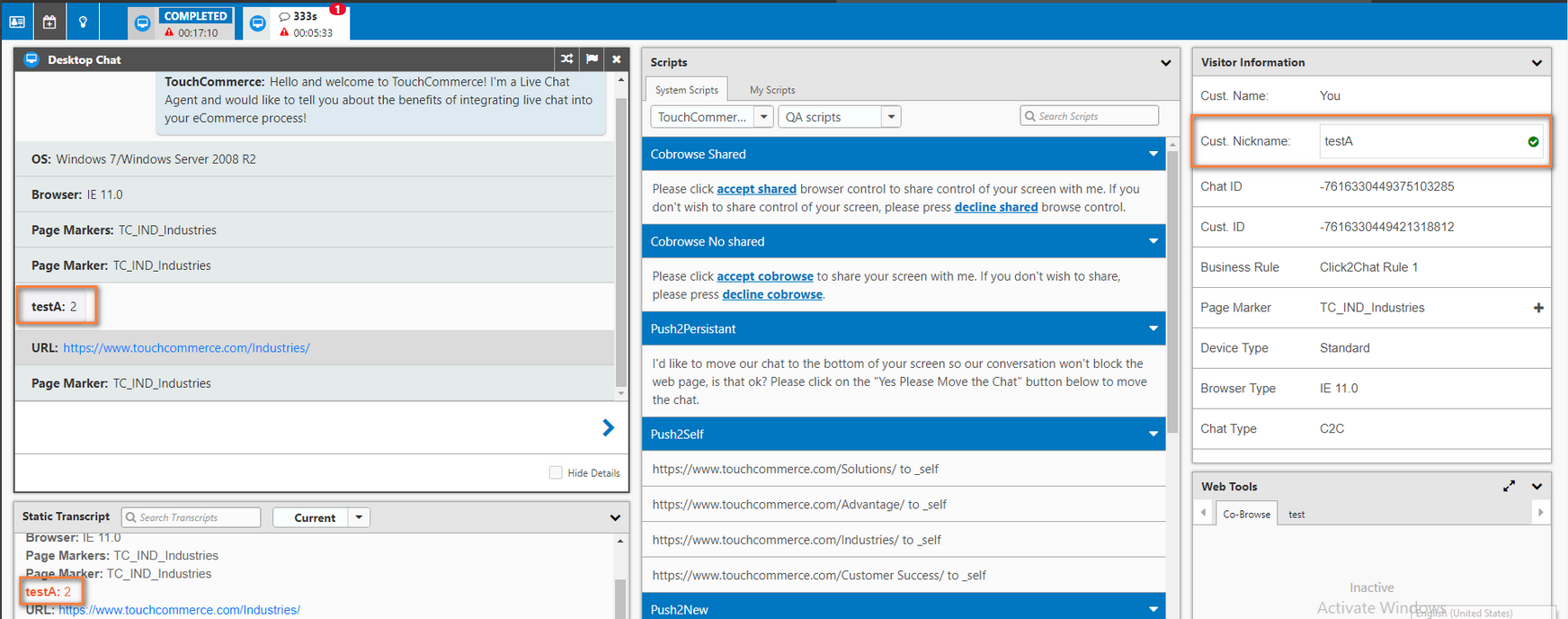
If the same user logs back into the system, the nickname will display in the Visitor Information section, in the Agent Desktop Chat list and in the transcript.
Note: The nickname value DOES NOT display in the Reporting transcript.
