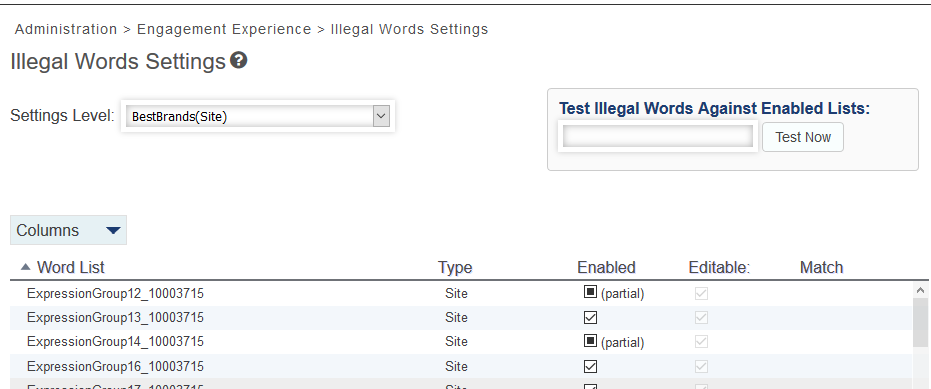
Illegal Words Settings
Clients need to identify certain words that will be blocked from displaying in their chat interface transactions. These are typically words that are off-color, offensive, or problematic in some way.
The "Illegal Words Settings" page allows clients to create a list of illegal words. In addition, site level and agent group word lists can be shared and executed together.
The Illegal Words Settings page displays a checkbox that indicates a partial setting. This partial checkbox can display in the Enabled column when the Settings Level control is set to a site level.
Note: Portal users must have the Internal Administrator role assigned to make changes to Illegal Words Settings.