Dashboard access
Talk to your digital program manager or customer success manager at Nuance to obtain your dedicated URL and account credentials to log into Supervisor Desktop. Please save the URL as a favorite or bookmark on your browser.
Logging in
To log in, open your browser and navigate to your dedicated URL. On the log-in page, enter your username and password.
You'll be prompted to immediately change the password when you first log in.
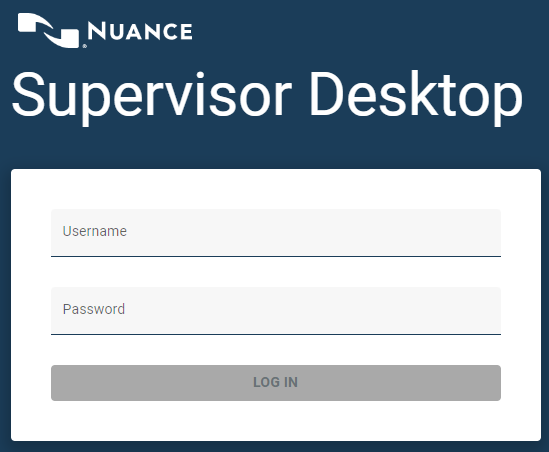
Note: The login page and password reset will only be displayed to non-SSO users.
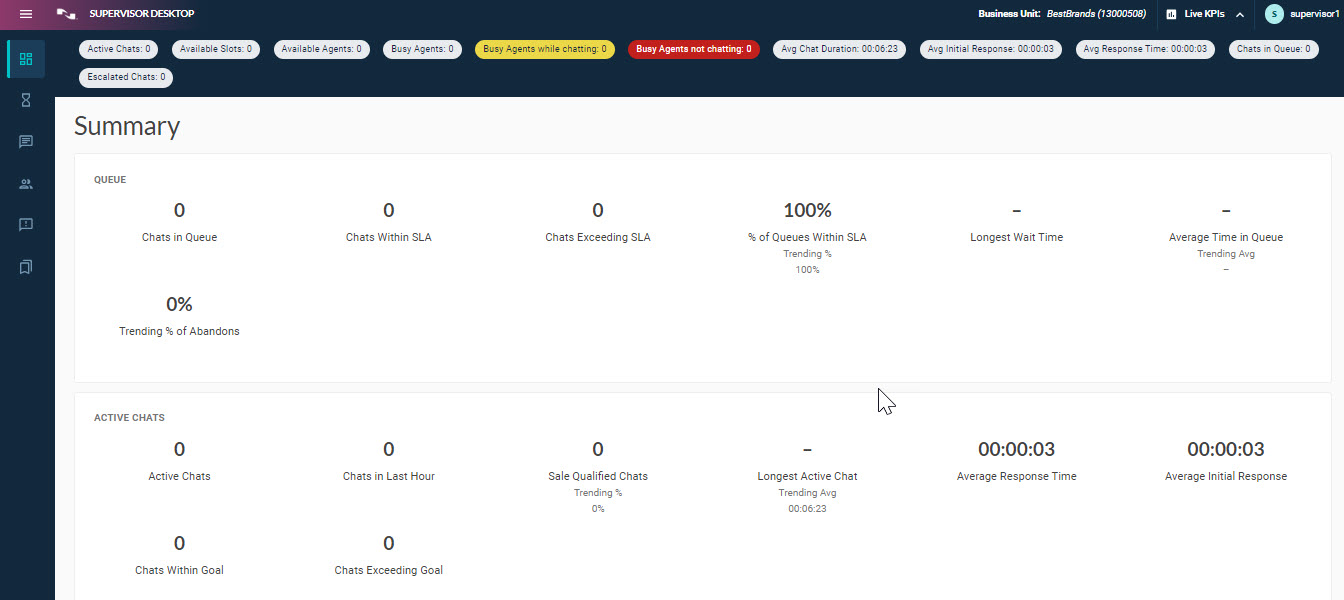
After you log in, you'll see the Summary page.
SSO users
When Single-sign-on (SSO) users log out of Supervisor Desktop, they will be re-directed to a page showing a Relogin button, providing easy access to log back in using SSO:
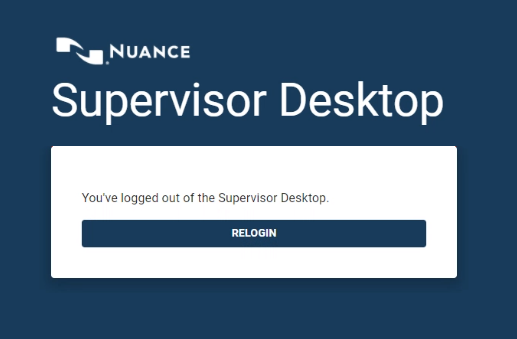
They should click Relogin and then they'll be directed to the standard Summary page.
Note: Initial login request includes a specific URL query parameter added to the main URL that redirects to the client's identity provider (IDP) to log in.
Session timeout
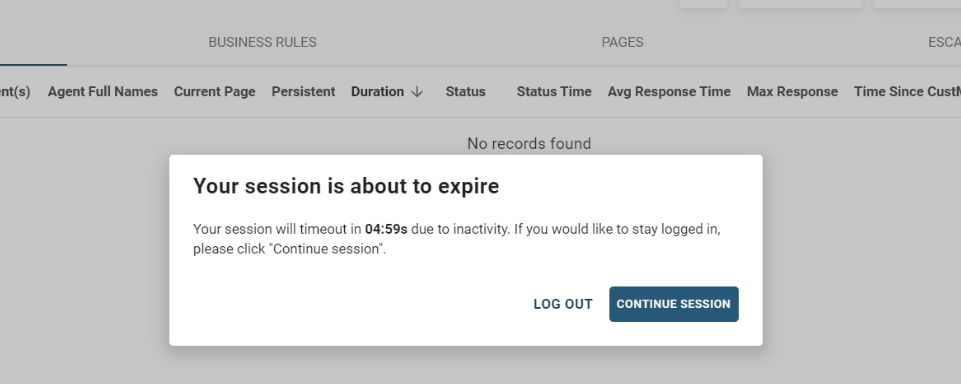
After logging in, your session will time out after 120 minutes of inactivity (no clicks, mouse activity, or keyboard activity). A warning dialog will display 5 minutes before the session expires. To stay logged in, click Continue Session. Here's an example:
Logging out
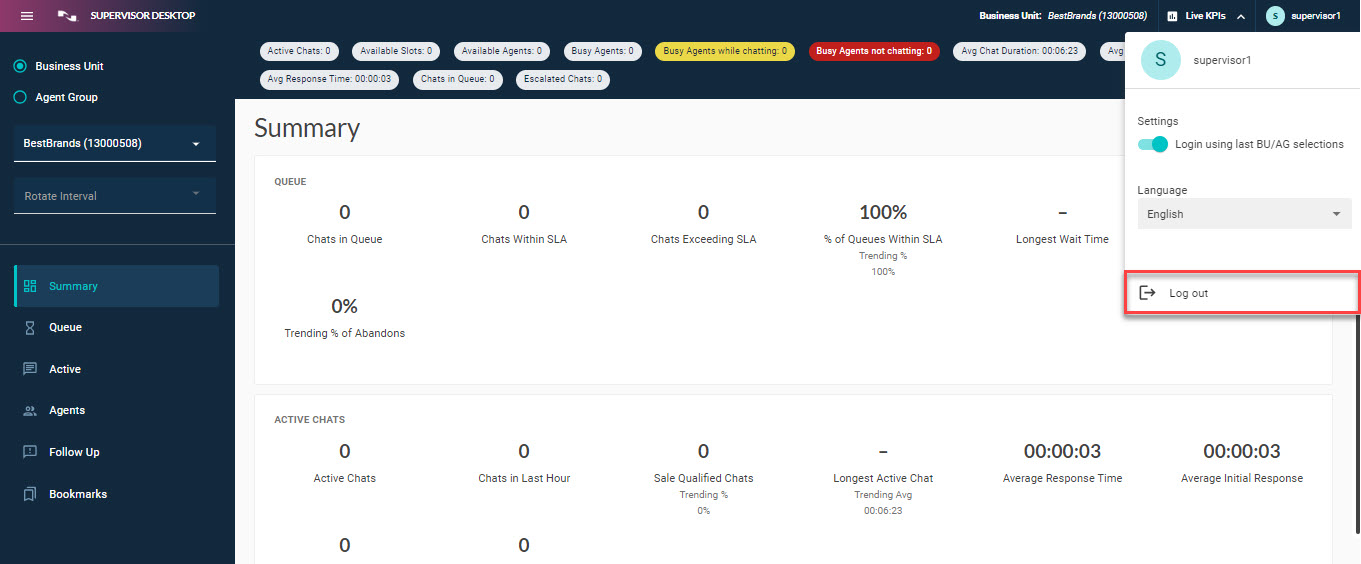
To log out, click Log out in the user profile drop-down at the upper right corner of the navigation menu.