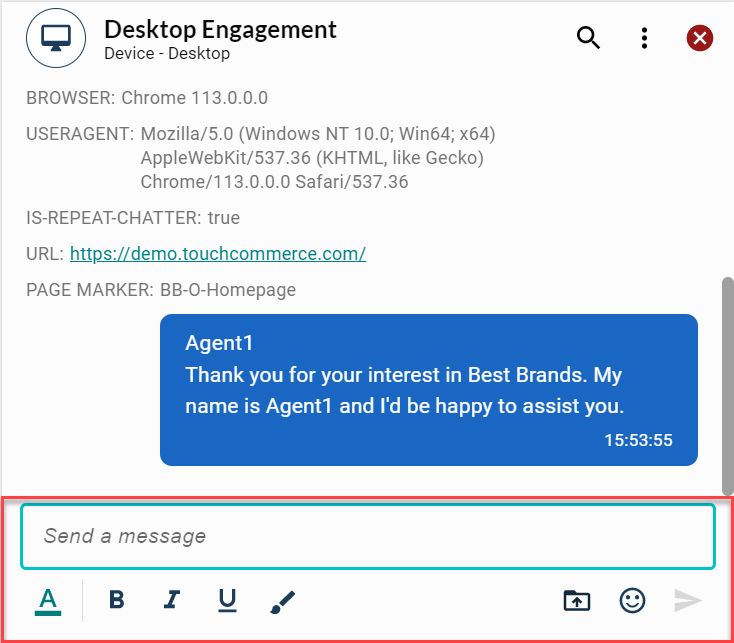
Agent input field
The Agent input field window enables the agent to create new script lines, edit program script lines and send responses to the customer.
Note: You need to enable the Data Masking option in the Workforce Management system under Portal.
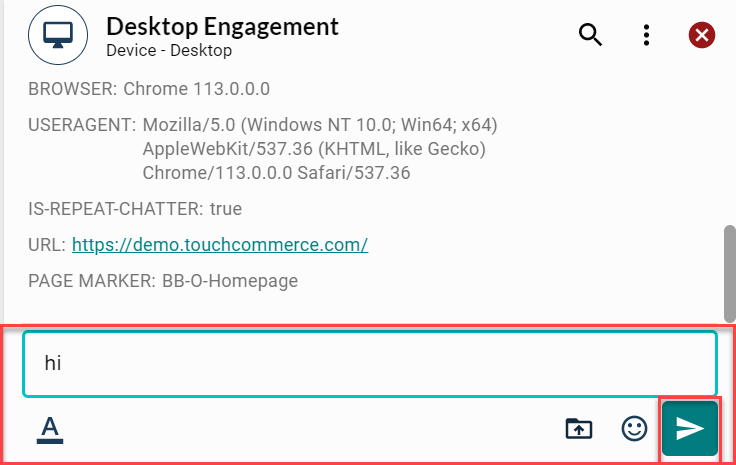
Send response lines to the customer
-
Click the blue arrow to the right of the Agent input field box.
-
Press the Enter key on the keyboard.
The Agent has access to several default features within the Agent input field window to assist with conversation management.
Tip: The Agent Desktop offers a variety of default features that can be easily enabled and configured, including a spell check functionality that depends on the language setting at the browser level. The Digital Program Manager leads this effort with the client manager during launch and during the growth of the project.
