Links
Links are a program’s website URLS that direct a customer to a different webpage, if needed.
Configured in Agent Desktop
URLs can be configured in Agent Desktop to avoid having to “type” the URL in the engagement and have the customer copy/paste the URL.
Not Configured in Agent Desktop
Links can also be created to allow the agent to fill in a Forced Edit Script where they can copy/paste a URL and add a customized script line to accompany the Link.
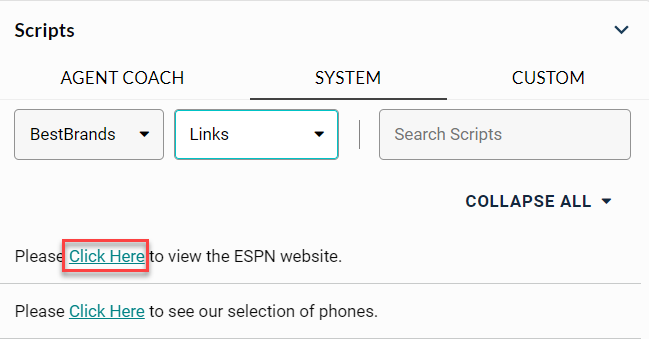
When links are sent, the system automatically refreshes their browser window or opens a new browser window/tab, depending on the type of link used.
There are two types of links:
-
To Parent: Refreshes the current browser page with the new page link that was sent.
-
To New: Opens the link in a new browser window/tab (dependent on customer’s browser)
Note: Links are configured via Portal.
