Delete Custom Scripts or Header
-
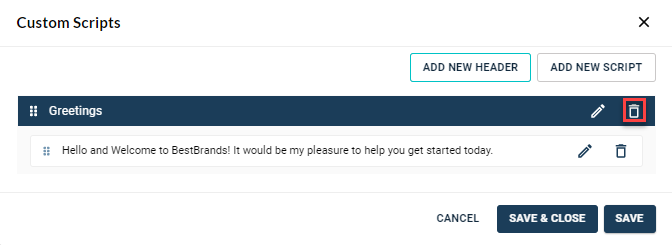
Click the Delete icon next to the script line.
-
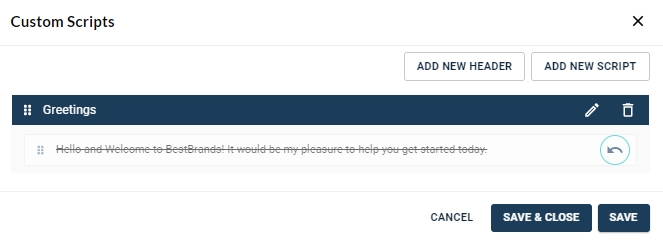
The deleted script is grayed out and displays a ‘strikethrough’.
Note: An undo icon appears next to the deleted script.
-
Once deleting is complete, press Save or Save & Close.
Note:
-
Save— Removes the deleted script and enables the agent to continue editing.
-
Save & Close— Removes the script and closes the Custom Scripts window.
-
