Persist layouts across sessions
When an agent customizes the desktop for the first time, the Create Custom Layout control is displayed on the My Settings window.

If the agent selects Create Custom Layout, the Chat Template field displays Custom and the current layout is updated and saved.

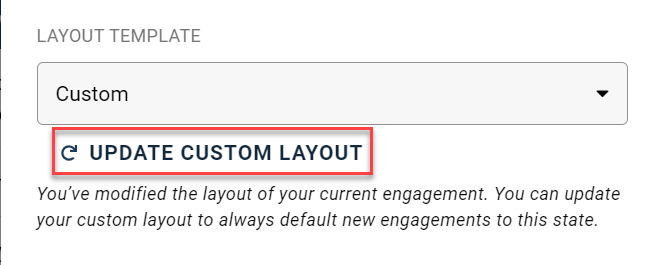
The new Custom layout now becomes the default layout for the agent’s login account. This layout persists for the current engagement and for all new engagements in the current session. The layout also persists for subsequent engagements until the agent makes new layout modifications and saves them by using the Update Custom Layout control.
Custom layout rules are as follows:
-
Changes made to the Agent Desktop layout setting apply to all new engagements.
-
If the agent does not save a layout to custom, all subsequent engagements will use the currently selected predefined layout setting.
-
Only one custom layout can be saved at a time. However, an agent can change their custom layout as many times as they want.
