Manage general settings for a business rule
The General tab of the Create Rule or Edit Rule page is the default tab for defining a business rule.
To open the General tab:
-
Navigate to Administration > Program Management > Business Rules.
-
Do one of the following:
-
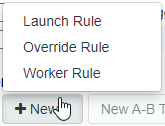
To create a rule, click the New button and select a rule type.
-
To edit a rule, double-click it in the table.
-
This tab has different fields, depending on the rule type selected with creating the rule:
-
launch rule—a business rule that launches a live chat under specified conditions
-
override rule—a business rule that overrides other rules or parameters under specified conditions
-
worker rule—a business rule that works in the background to determine when and whether to trigger a launch rule, which launches a live chat under specified conditions
 creating a business rule.
-
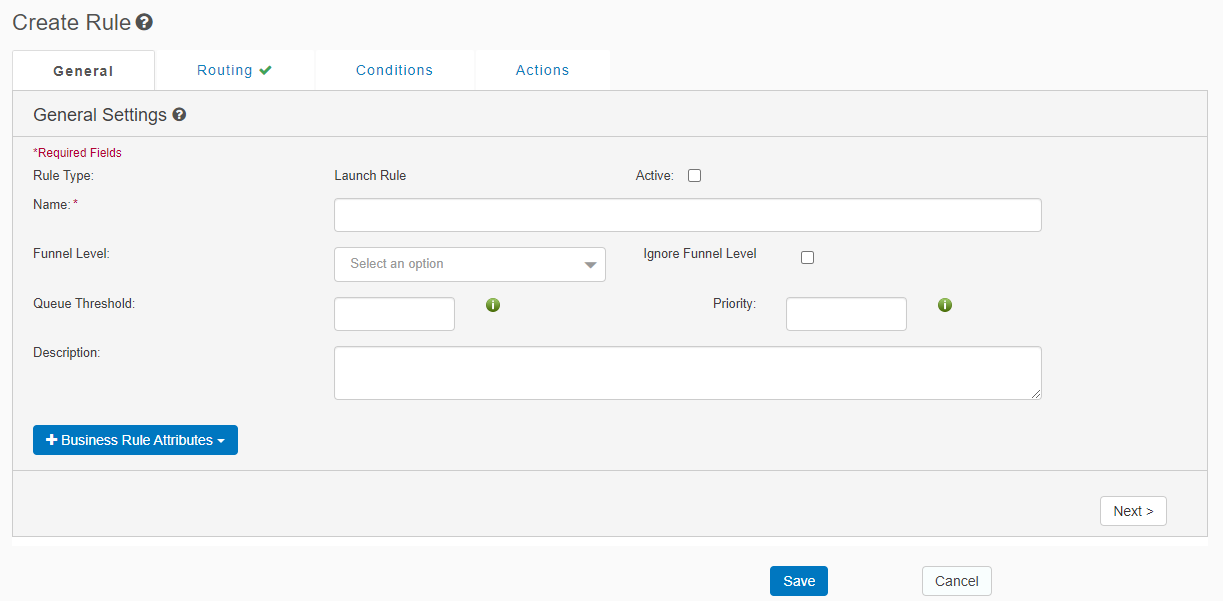
View the General tab for aLaunch rule
-
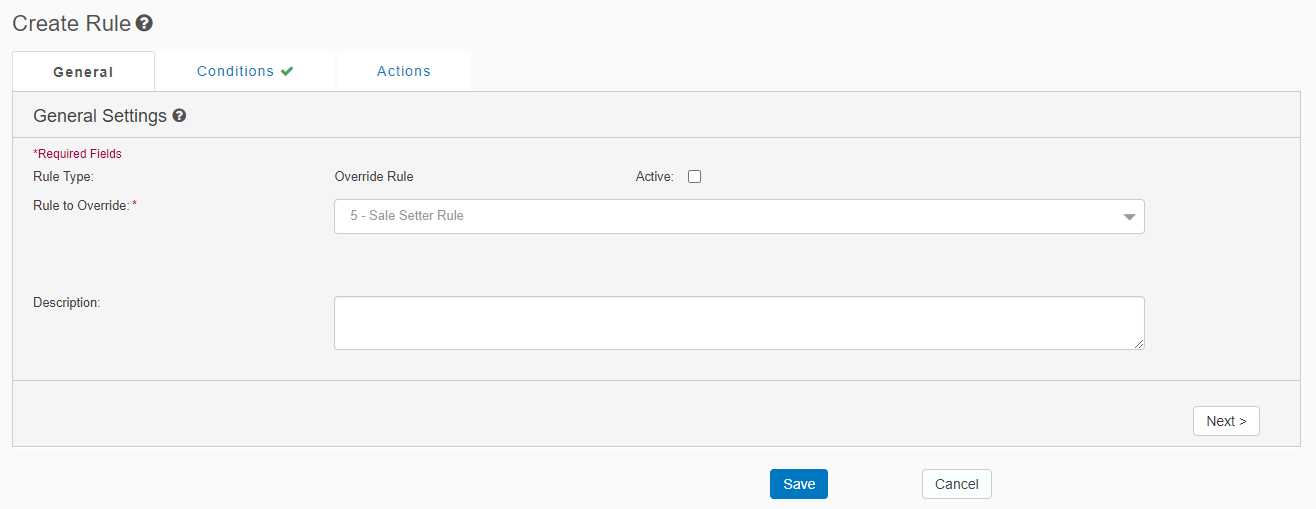
View the General tab for anOverride rule
-
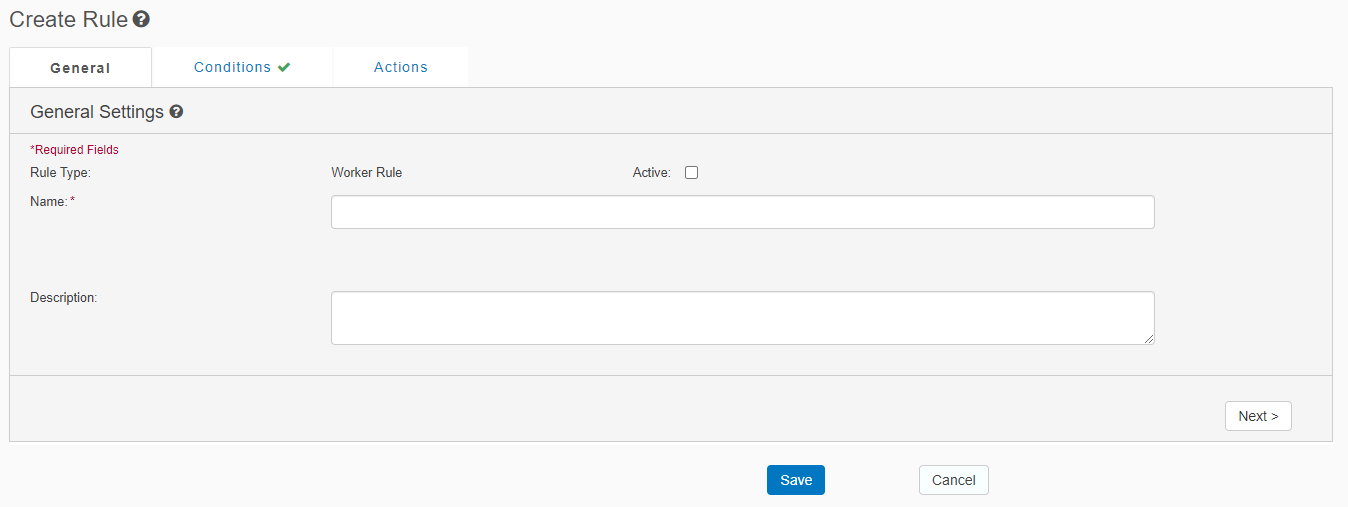
View the General tab for aWorker rule
-
Enter or update the following fields in the General tab. If you change tabs or click Save before populating the required fields, then the tab displays a red icon and the required fields are highlighted in red.
| Field | Supported for rule type | Description |
|---|---|---|
| Rule Type | all |
Read-only.Specified when creating the business rule. This is one of the following: |
| Active | all |
Indicates whether this rule is active, which means it is available for launching:
|
| Name |
|
The business rule name. Tip: To facilitate agents quickly understanding a customer story by looking at the business rule name, use Business-rule naming conventions. |
| Rule to Override |
|
Select the rule to override. This becomes the rule name. |
| Funnel Level | launch rule | Sets levels to the website so that if a proactive chat is launched, it will not launch again unless the user moves to a more important funnel level. The highest level is 1 and the lowest is 5. Default value is 5. Relevant only for proactive live chats. For a detailed explanation, see Proactive chat funnels. |
| Ignore Funnel Level | launch rule | Removes the funnel-level checker for a business rule, so that it fires continuously, without a re-chat interval. Relevant only for proactive live chats. For more information, see Proactive chat funnels. |
| Queue Threshold | launch rule |
The percentage of chat slots reserved for an agent group before chats are queued. For a detailed explanation, see Design when to engage. If a value is not specified, then the default value is the value set for the agent group. which by default is 1. For details, see Queue Defaults. |
| Priority | launch rule | The priority of this business rule relative to other business rules. If a value is not specified, then the default value is the value set for the agent group. |
| Description | all | A description of the business rule. |
For a launch rule, you can click + Business Rule Attributes to create the following types of attributes, or click Business Rule Attributes to view existing attributes:
-
String Constant: Select a constant defined in the Constants tab of the Business Rules page. For details, see Manage constants for business rules.
-
String Input: Enter the input string.
-
String Variable: Select a string variable defined in the Variables tab of the Business Rules page. For details, see Manage variables for business rules.
-
Click Save. This saves your changes, but it does not publish them to the production environment. To publish all rules to the production environment, on the Rules tab of the Business Rules page, click Publish.
