Filter reports
The data in reports can be further refined by applying filters.
-
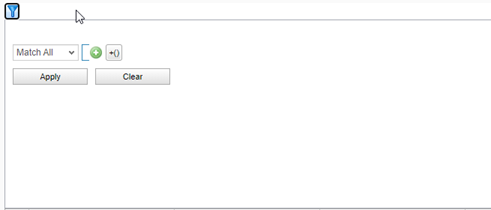
Click the Filter tool.

-
The Filter dialog is displayed.
-
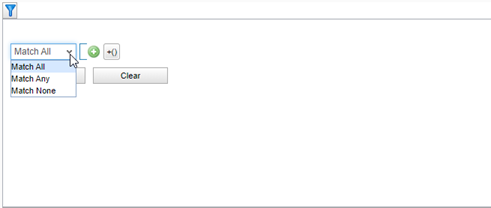
Click the precondition drop-down, and select Match All, Match Any, or Match None.
-
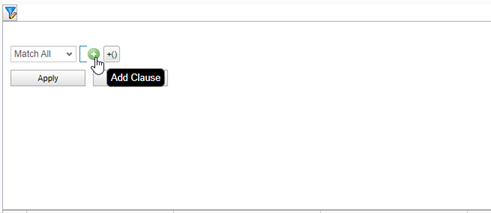
Next, click the Add Clause button.
-
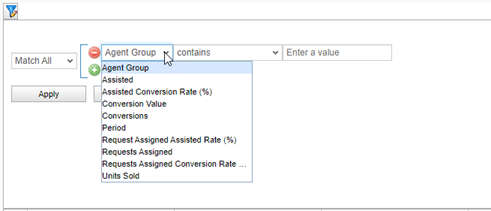
From the first drop-down menu, select the metric to be filtered.
-
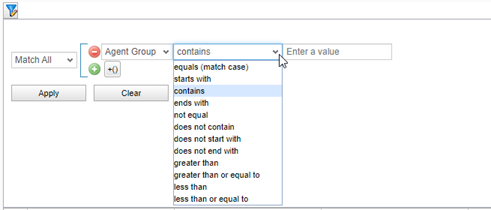
From the second drop-down menu, select an operator.
-
Enter a value in the third field.
Notes: Additional filters can be added (press the green plus button), and subclauses can also be added (press the Add Subclause button).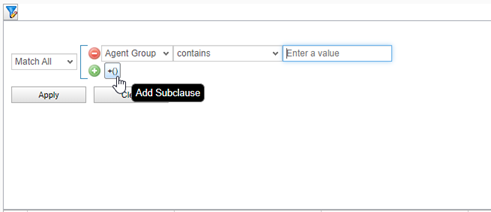
-
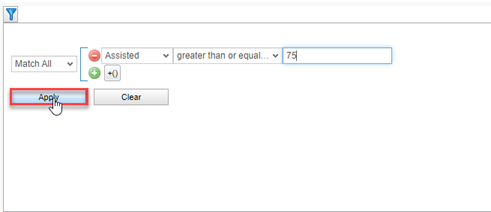
Click Apply.
-
The report will be filtered based on the criteria entered.

