Symbols used in Conversation View
Conversation View uses several different symbols to communicate statuses, input modes, outcomes, and progress.
Symbol layout
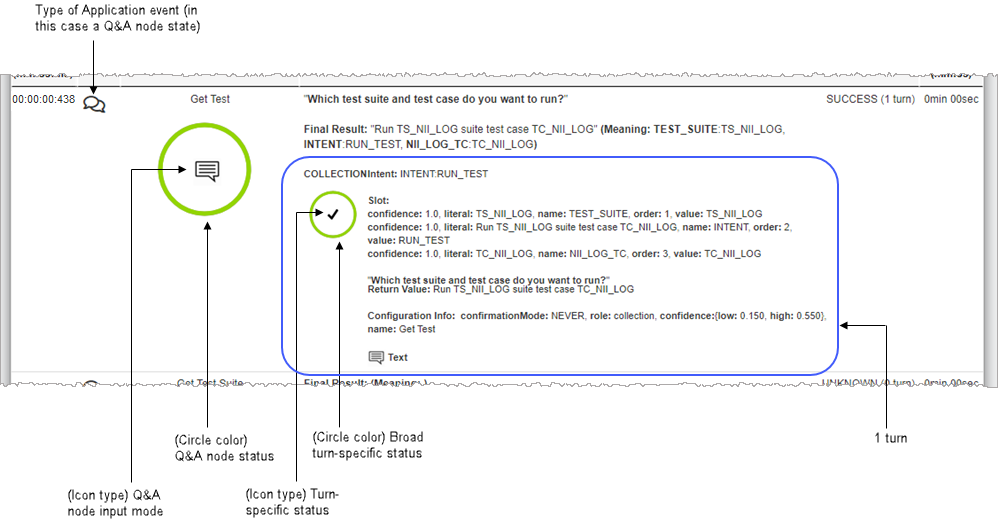
Symbols used in the APPLICATION tab of Conversation View appear as follows:
Symbol descriptions
| Symbol | Description |
|---|---|

|
Engagement Session has started. |

|
Decision state States with this symbol in the Type column are DECISION states. |

|
Transition between states Note: The state being transitioned from may or may not be recorded in the log. If it is not recorded, the state being transitioned from will not be visible in Conversation View even if the transition is visible. |

|
Component |

|
Question router |

|
Message event |

|
States with this symbol in the Type column are BACKEND states, often involving a database. |

|
States with this symbol in the Type column are Q and A states. These are interactive states involving input from a user. |

|
Conversation has ended with a transfer. |
|
|
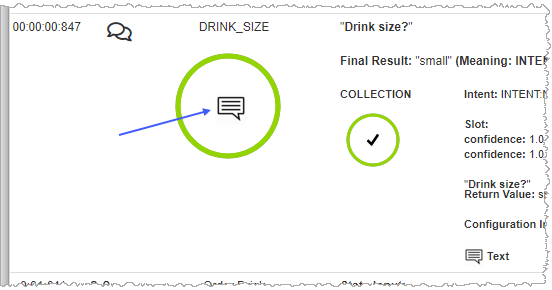
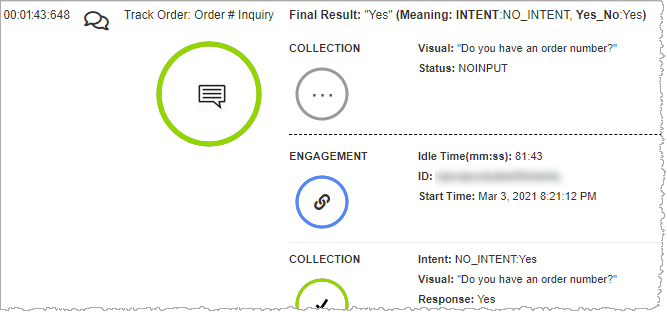
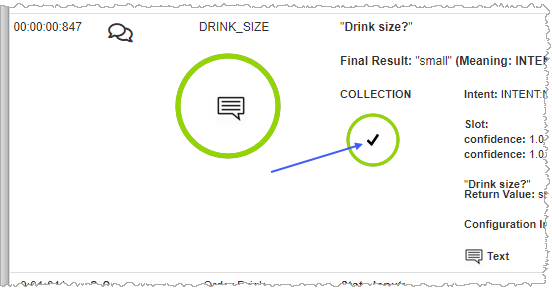
This symbol inside the large Q and A node status circle, indicates that the user provided input in response to the system's prompt.
|

|
Session restarted (re-engagement) after user has left and come back or the session has timed out.
|

|
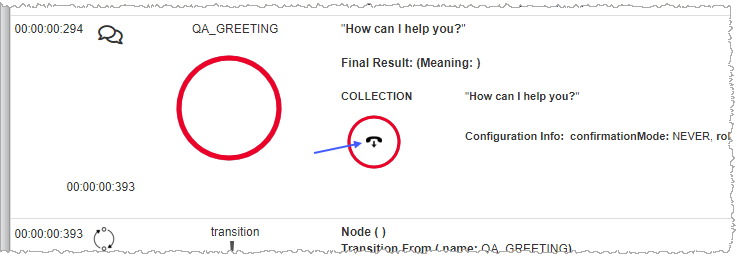
This symbol indicates that during the current turn, the user hung up. Because this effectively ends the turn, the Q and A node and the conversation, this status is also the status of the overall Q and A node.
|
|
|
Click this symbol to view or edit rating and comment information associated with the current conversation. |
|
|
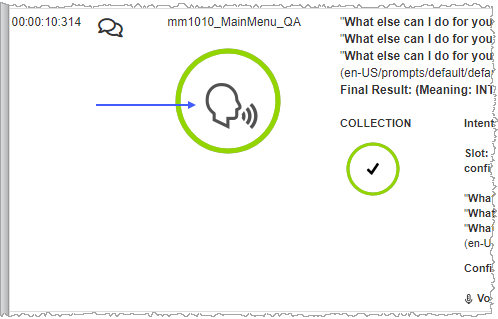
If the input mode recorded in the log is speech, this icon appears inside the Q and A node status circle.
|
|
|
A SUCCESS turn-specific status icon is always surrounded by a circle that is green in color. The figure inside the circle is a checkmark.
|
|
|
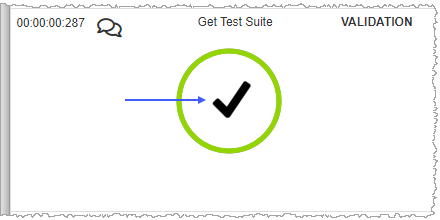
A VALIDATED icon inside the Q and A node status circle is always surrounded by a circle that is green in color to indicate validation.
|
|
|
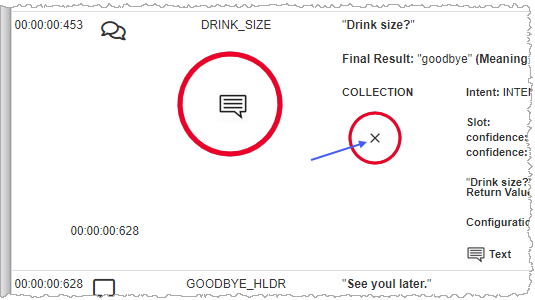
This icon indicates a recognition failure. Possible failure types include NO_MATCH, RECO_TIMEOUT, match to the input. This status is specific to the current turn.
|