Collapsing / expanding state info
All states
-
To expand all displayed states, in Call View,
 disable the Compact view control.
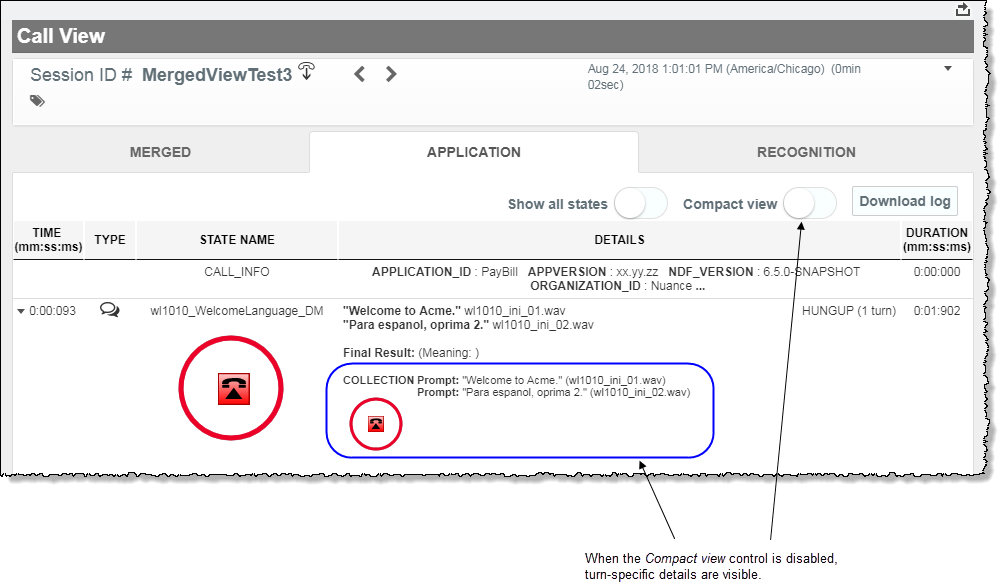
To toggle back to the collapsed view, enable the Compact view control.
Individual states
-
To expand an individual state manually, in Call View, identify the state in the list of states and thenclick that row's Expand / Collapse arrow at the top, left corner.
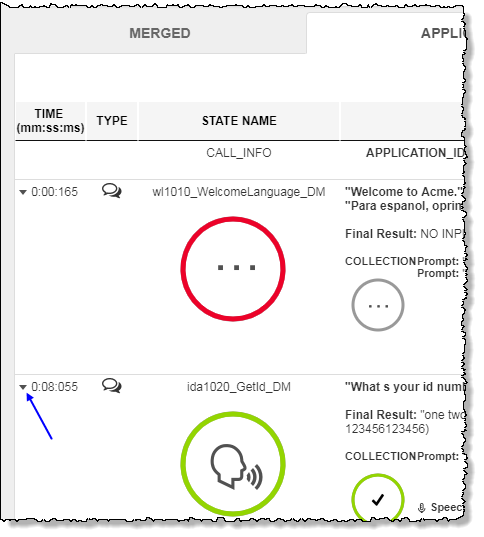
To collapse an individual Dialog Module state, toggle the Expand / Collapse arrow until the playback controls are no longer displayed for that state.
