Exporting a Call Set List to PDF or CSV
Note: If there has been a change in the default timezone after the creation of call sets, those call sets will continue to display data according to the old timezone. Nuance recommends that after a change in default timezone, you resubmit existing call sets. This will make older call sets display log data in the new timezone.
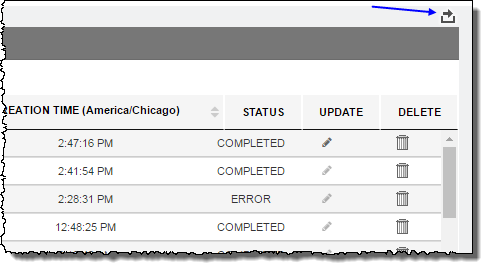
In Call Set List, you can export the list either to a PDF file or a CSV (comma-separated values) file.
-
In Call Set List, click the (
 ) icon, and then click either PDF or CSV.