Downloading raw logs
-
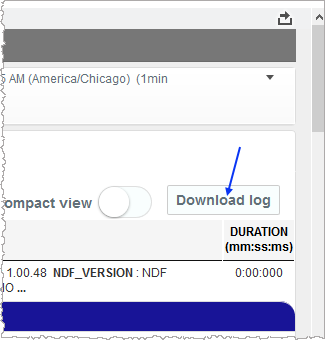
In Call View, click Download log.
Notes:- If you download raw logs from the RECOGNITION tab, you are downloading Recognizer logs. Likewise, if you download from the APPLICATION tab, you are downloading Application logs.
- By default, the Download log button is visible on the Call View page. However, it may not be visible due to a configured Zookeeper setting for the RAWLOGDOWNLOAD parameter.