Selectively displaying states
-
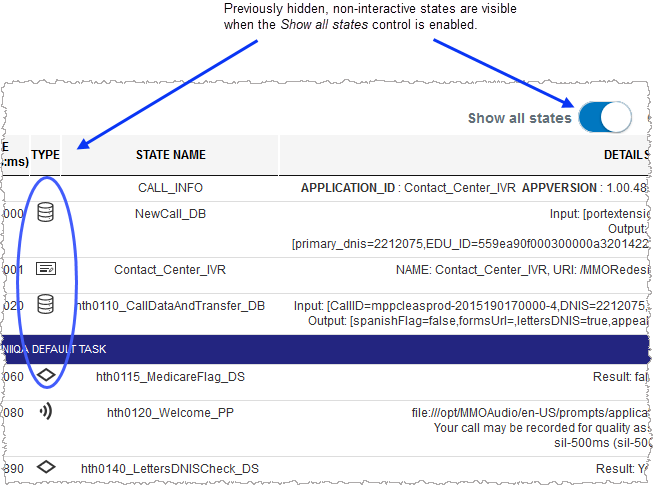
To show all states, in Call View,
 enable the Show All States control.
 After enabling the Show All States control,all previously hidden states are displayed in their proper sequence.
-
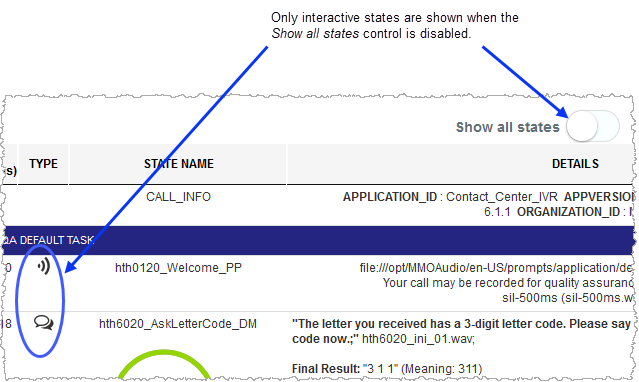
To show only interactive states - and if you are currently viewing all states - in Call View, disable Show all states.
All non-interactive states are hidden from the call flow sequence.
