Sorting calls within the list
-
In Call List, make sure the column with which you would like to sort the list is being displayed.
-
Click the Show / Hide Columns icon (
 ) on the far right side of the title bar.
-
In the Show/Hide columns list, select ALL to show all columns, DEFAULT to show only the default columns, or individually select columns.

-
-
Click once in the column header's sorting arrows to sort the list of calls according to the natural sequencing of the data in that column.
-
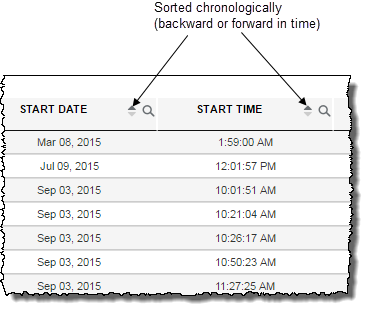
Columns whose data indicates a
 point in time (for example, dates, starting and ending times) follow a chronological sequence when sorted.
-
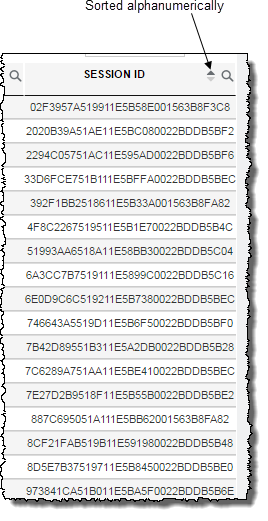
Columns whose data types arealphanumeric strings (for example, session IDs) are sorted alphanumerically.
Note: The START DATE and START TIME columns each have a sort function. However, clicking either one has exactly the same behaviour which is a sorting by overall chronology rather than simply on time-of-day, for example. END DATE and END TIME are also a locked pair.
-
- Click a second time in the same column header to reverse the order of the sequencing, again, according to the natural sequencing of the data type.
