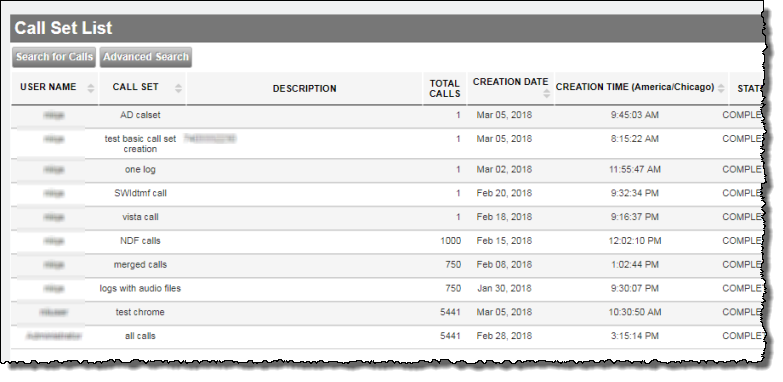
Call Viewer: Call Set List page
Each row in Call Set List represents a Call Set. Clicking anywhere within a row (except in the UPDATE and DELETE columns) generates a call list based on the selected Call Set's filter criteria.
Notes:
- If there has been a change in the default timezone after the creation of call sets, those call sets will continue to display data according to the old timezone. Nuance recommends that after a change in default timezone, you resubmit existing call sets. This will make older call sets display log data in the new timezone.
- Before performing this procedure, make sure your browser configuration allows 3rd party cookies.
To work with call sets, you must navigate to the Call Set List page:
-
In the Call Viewer Workbook level of Nuance Insights, click Find and View Calls.
The Call Set List page appears.