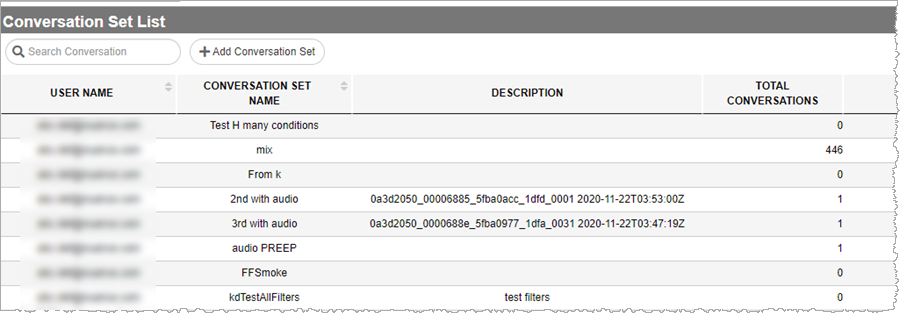
Conversation Set List
Each row in Conversation Set List represents a conversation set. Clicking anywhere within a row (except in the UPDATE and DELETE columns) generates a conversation list based on the selected conversation set's filter criteria.
-
Before performing this procedure, make sure your browser configuration allows 3rd party cookies.
-
Nuance Insights supports navigating and performing operations with a variety of methods, including a combination of keyboard and mouse, keyboard only, having elements on the screen being audibly described (requires 3rd party software like JAWS), and having voice input interpreted (requires Nuance Dragon). See Accessibility for more information.
To work with conversation sets, you must navigate to the Conversation Set List page:
-
In the Conversation Review Workbook level of Nuance Insights, click Find and View Conversations.
The Conversation Set List page appears.