Transcript View page
Transcript View displays a generated list of the detailed transcripts for each conversation set. Each row represents the data from the dialog log. Along with transcript details each row displays Session ID, Date, Metrics, Conversation set number, Duration, and Turn count.
Note: Nuance Insights supports navigating and performing operations with a variety of methods, including a combination of keyboard and mouse, keyboard only, having elements on the screen being audibly described (requires 3rd party software like JAWS), and having voice input interpreted (requires Nuance Dragon). See Accessibility for more information.
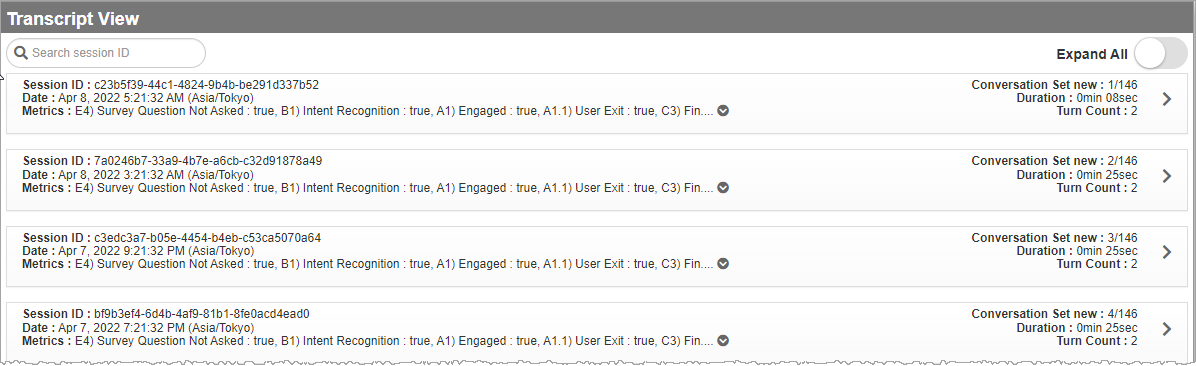
In the Transcript View page, click the Expand arrow (  ) of Metrics to see the collapsed information.
To view Transcript Details, of any row, click the arrow (  ) beside Duration.
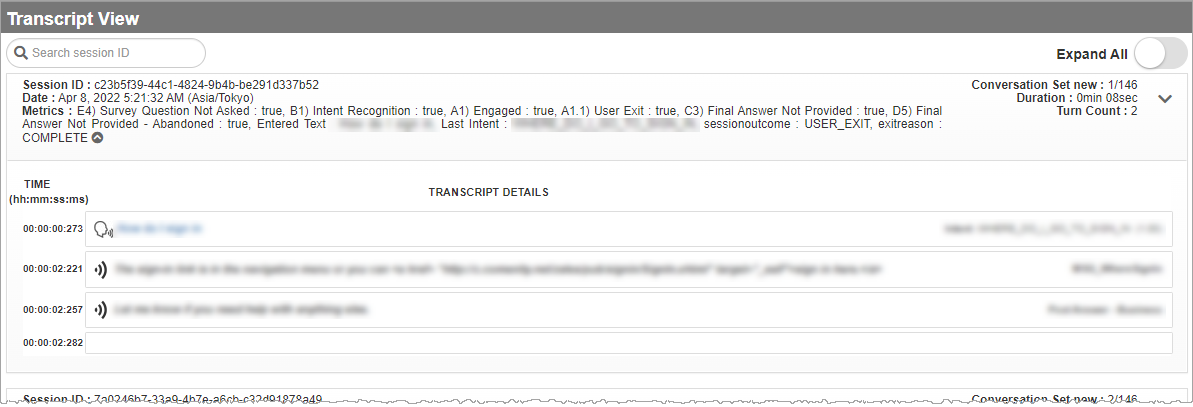
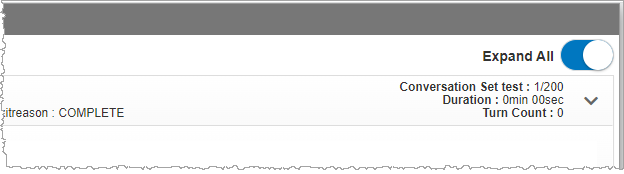
Each page has 50 sessions. Enable Expand All to view Transcript Details of all 50 sessions.
To view next consecutive sessions, go to another page by clicking the Next (  ) arrow at the bottom of the page. If you want to view previous viewed sessions, click the Previous (
  ) arrow.

