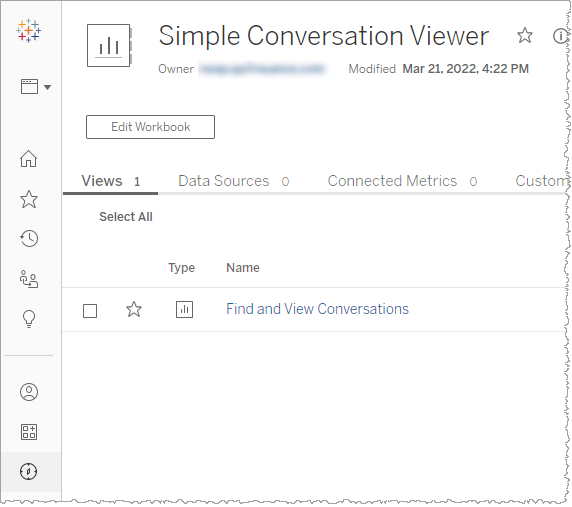
Simple Conversation Viewer workbook
Simple Conversation Viewer, gives insight into events and relevant metrics occurring at the level of a conversation.
You may decide to use Simple conversation Viewer in order to have more recent data as well as a simpler work flow. Simple Conversation Viewer draws from the staging table of the database which is data spanning at most the past 24 hours. Additionally, there are fewer steps involved in generating a conversation list because there are fewer available filters.
- One additional tradeoff to Simple Conversation Viewer is you cannot save filtering configurations as conversation sets. You must configure your filters each time you generate a conversation list.
- Nuance Insights supports navigating and performing operations with a variety of methods, including a combination of keyboard and mouse, keyboard only, having elements on the screen being audibly described (requires 3rd party software like JAWS), and having voice input interpreted (requires Nuance Dragon). See Accessibility for more information.
- Before performing this procedure, make sure your browser configuration allows 3rd party cookies.
To work with conversation sets, you must navigate to the Simple Conversation Viewer Search page:
-
In the Simple Conversation Viewer Workbook level of Nuance Insights, click Find and View Conversations.