Using system notices
System notices are message dialog boxes displayed to users when they log into Composer. All users see system notices, regardless of which client they are using. Notices are an effective way to notify users about new releases, maintenance shutdowns, service changes, and other system-wide events of interest.
Here are two examples of system notices:
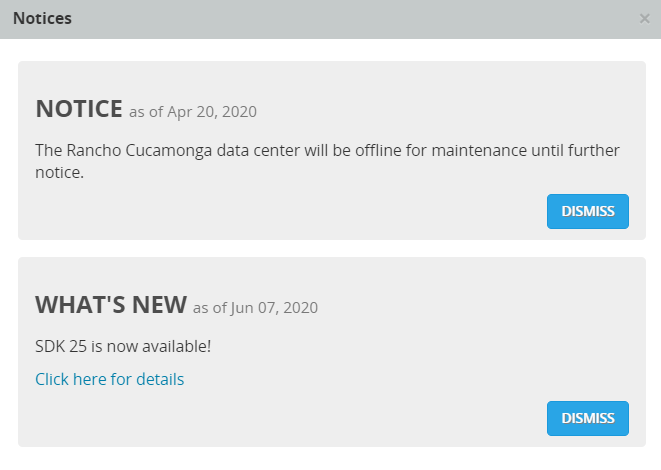
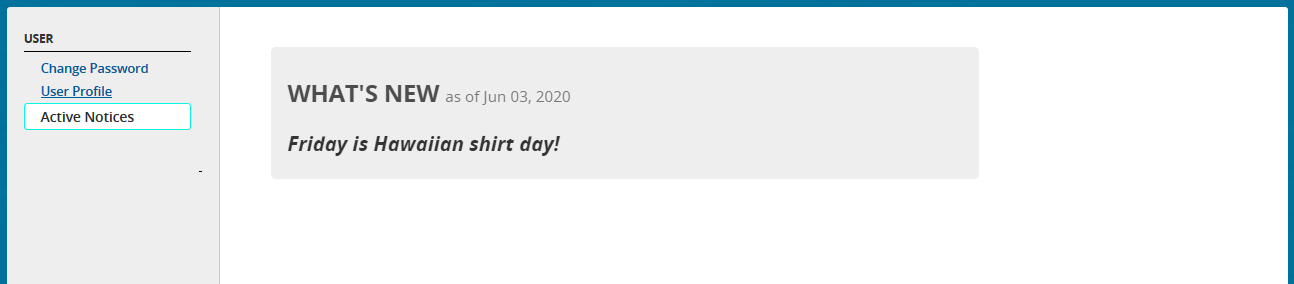
When a notice is displayed, a user can click DISMISS, to hide it and the notice will no longer be displayed. However, the user can display notices they have already dismissed by clicking ADMINISTRATION ® USER ® Active Notices. If there are multiple notices, each one can be dismissed separately. All non-dismissed notices are displayed whenever the user changes their client selection in the header bar.
To display active notices
Notices remain active for the time period specified by the Start Date and End Date when they are created.