View campaign record status
Use the Records panel to view the realtime status of the records in a campaign. This panel is similar to the one that appears on the DASHBOARDS tab by default, but it shows the breakdown by media type (email, voice, and SMS).
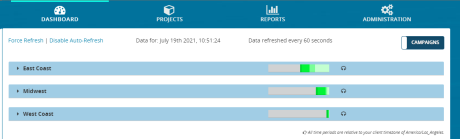
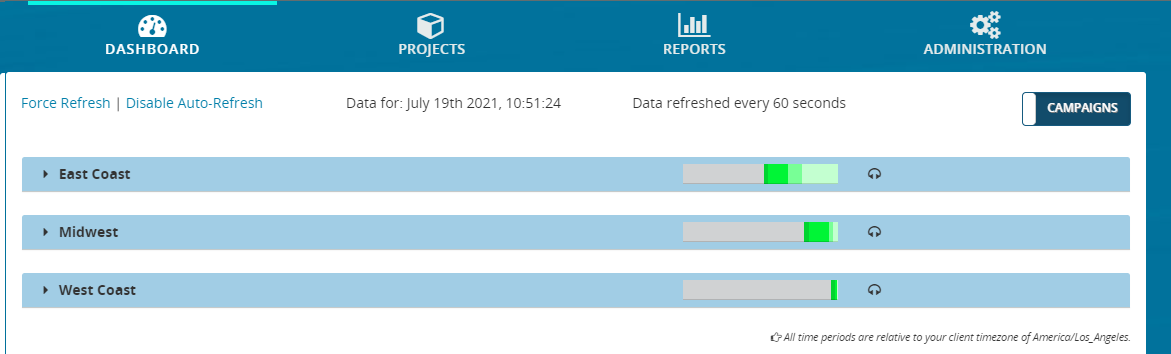
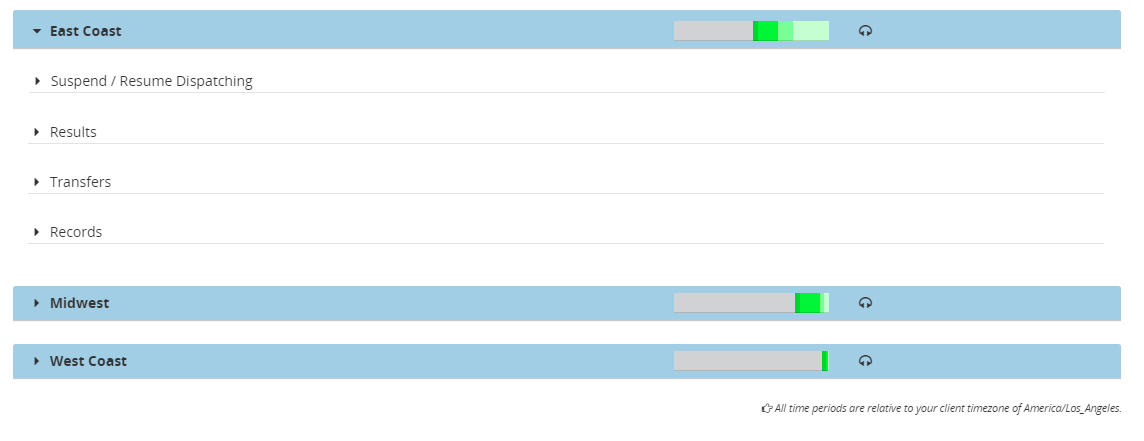
- From the header bar, click DASHBOARD. This displays a list of campaigns:
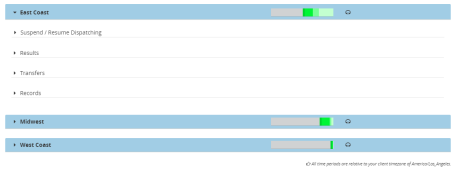
- Locate a campaign and click anywhere on it. This displays the panels for Suspend / Resume Dispatching, Results, Transfers, and Records.
- Click Records. This expands the Records panel, showing details about records completed and scheduled for that campaign. In addition, it shows indicator bars displaying the same information for each media type. In this example, there are indicator bars for Email and Voice.
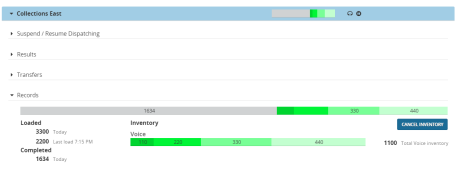
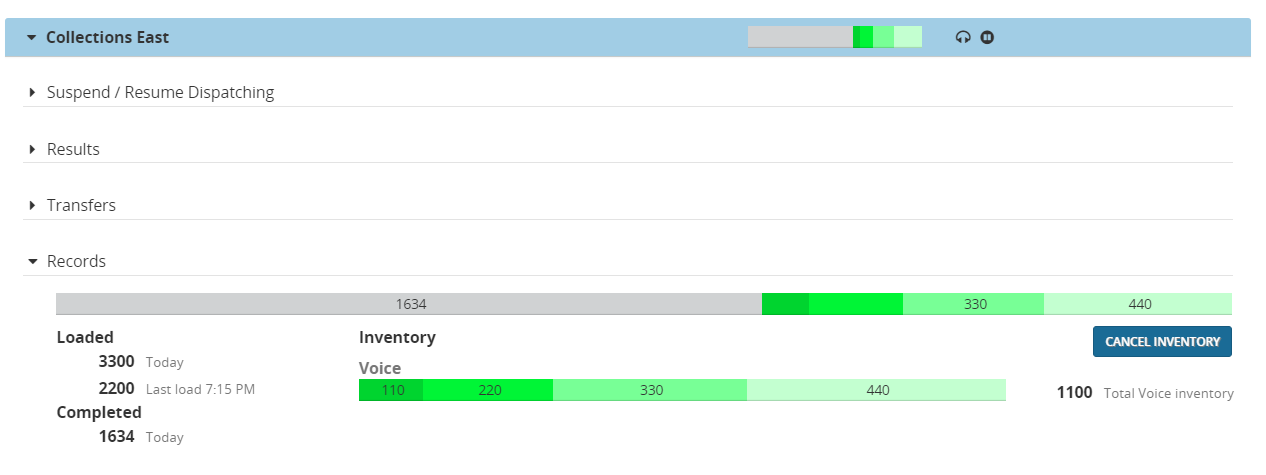
Each Records panel contains the following sections:
