View campaign transfers
Use the Transfers panel to view the realtime status of agent transfers for a campaign. For each agent phone number, the panel displays the number of successful transfers, the average and maximum hold times, and the average talk time. This allows you to see in real time whether agents are taking too long to pick up or spending too much or too little time on each call.
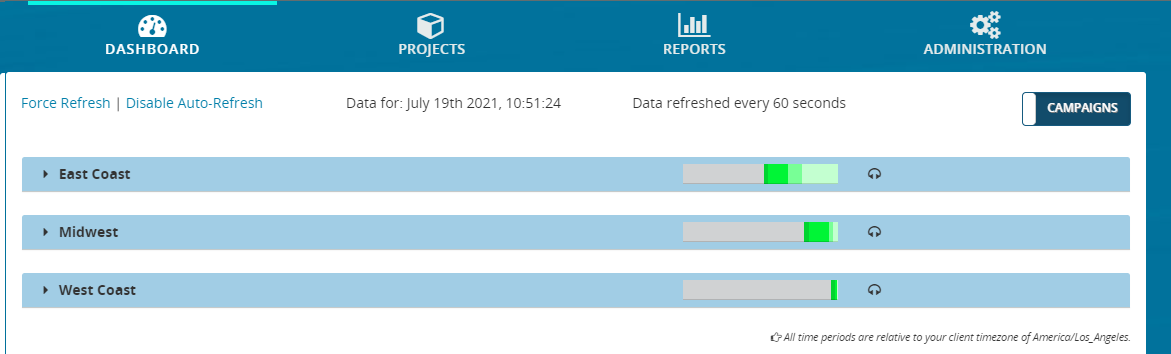
- From the header bar, click DASHBOARD. This displays a list of campaigns:
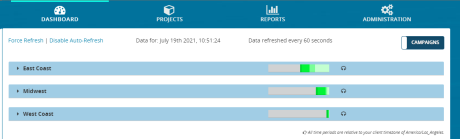
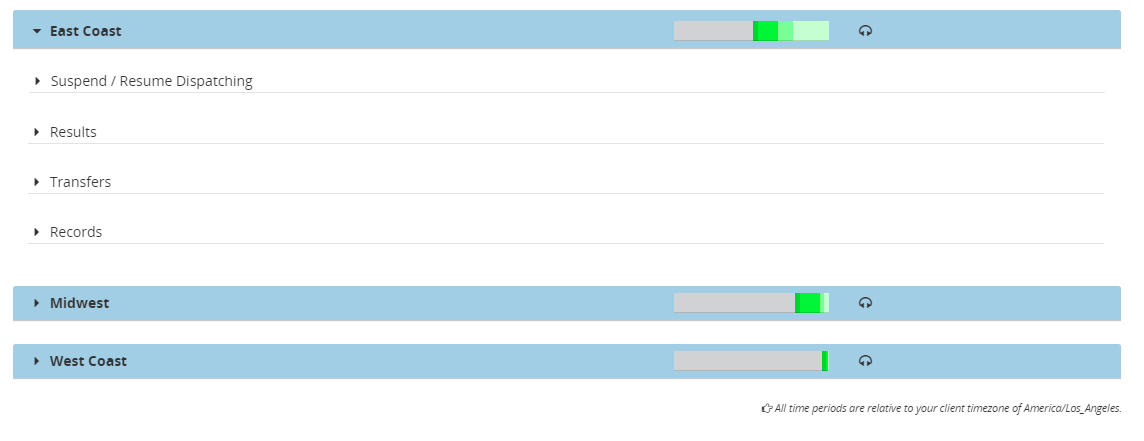
- Locate a campaign and click anywhere on it. This displays the panels for Suspend / Resume Dispatching, Results, Transfers, and Records.
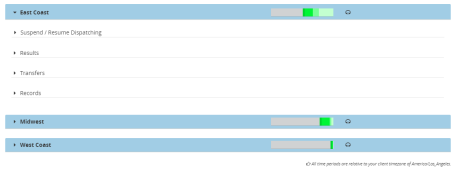
- Click Transfers. This expands the Transfers panel, showing realtime transfer data for each transfer phone number.


Use the Time Period filter to select the time period of the displayed results. Can be Last 15 min, Current Hour (calls placed since the start of the hour), or Day.
Indicators for standard scenarios
The following indicators are displayed in a standard scenario, including details for each agent phone number:
Indicators for agent connect scenarios
The following indicators are displayed in an agent connect scenario:
