Using the Report Creator
Report Creator is for advanced users and allows you to quickly create custom reports.
| Design your own reports from scratch |
Generate highly complex reports and charts in an intuitive Microsoft
Office-like interface. |
| Incorporate your own data for deeper analysis |
Create reports that offer critical insights applicable
to your organization or business situation by including data in the input files
you send to Nuance that you would like to have available for analysis; such as
date of birth, geographic region, product type, drug type, or others. |
| Create and analyze multiple reports and charts
simultaneously |
View and compare data from
multiple perspectives using advanced window tiling options. |
| Personalize your reports |
Add graphics, logos and custom headers. |
| Leverage today's most flexible report output
capabilities |
Generate reports in HTML, PDF,
Excel, PowerPoint and Active Reports (for offline analysis). |
| Save and schedule your customized reports to process
regularly |
Create a report once, then save and
schedule it to run automatically at regular intervals. |
Report Creator requires additional license fees and special
training. To get access to Report Creator, speak with
your Technical Account Manager.
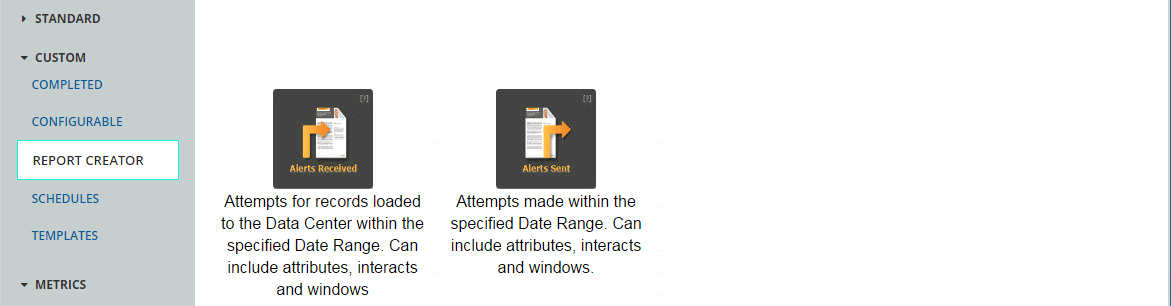
To create your own report, select Report
Creator under Reports, and then click either Alerts
Received or Alerts Sent.
- Alerts Received are those records uploaded to the Data Center during a specific period.
- Alerts Sent are messaging attempts made during a specific period.