Accessing scheduled reports
Once a scheduled report has executed, the results are stored in PDF format in the Management Station database. To access the results:
- Click the System Analysis tab.
- Click Call Analysis or System Performance from the toolbar.
- From the Scheduled Report Results area, click the appropriate link, for example:
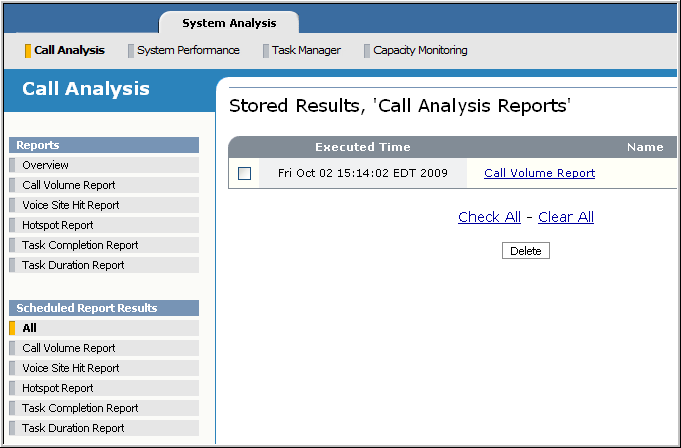
- Click any report name. The report appears in a separate window where you can save it to disk or print it.
- To remove reports from the Management Station database, check them and click Delete. For example, it’s a good idea to periodically delete out-of-date stored reports.
You can also view and delete report results in chronological order using the Task History page (Task Manager→Task History).
