View throttle record status
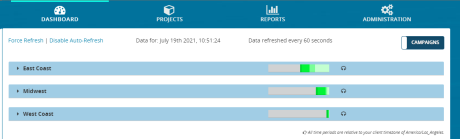
Use the Records panel to view the realtime status of the records in a throttle. This panel is similar to the one that appears on the DASHBOARDS tab by default. The Throttles view does not display completed records. To see completed records, click the Campaigns toggle to switch to the Campaigns view.
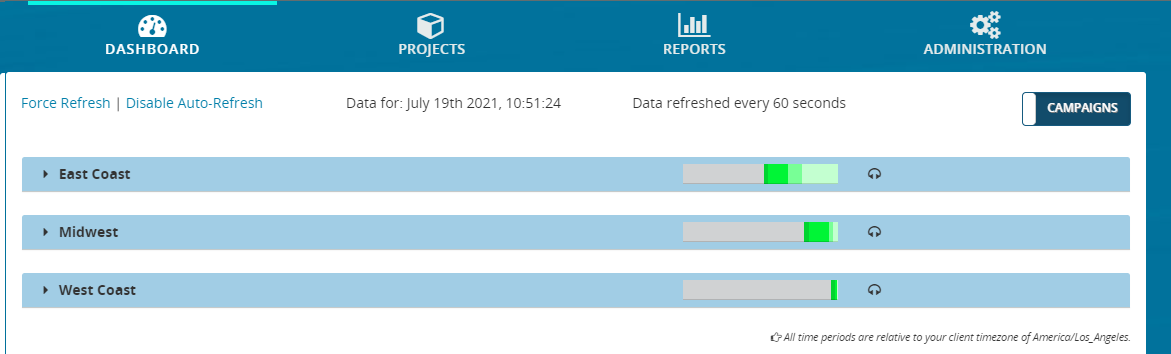
- From the header bar, click DASHBOARD. This displays a list of campaigns:
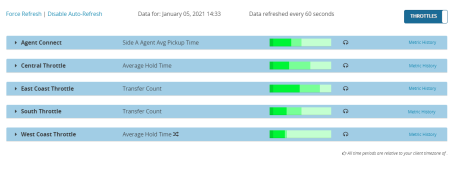
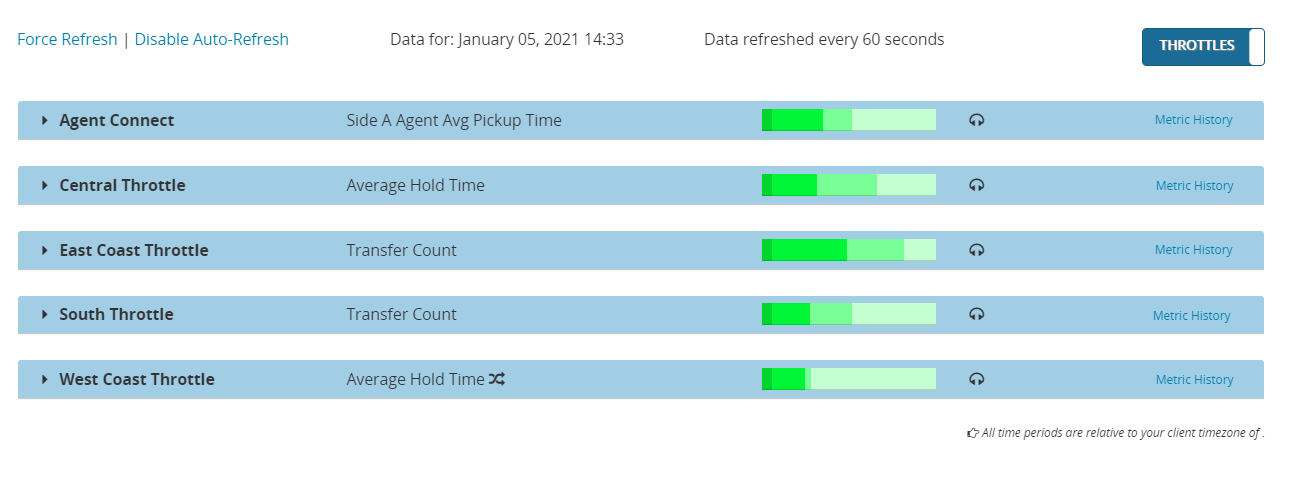
- Click the Campaigns toggle to switch to the Throttles view. This displays a list of throttles. Here's an example:
- Locate a throttle and click anywhere on it. This displays the panels for Realtime Throttle Settings, Results, Transfers, and Records.
- Click Records. This expands the Records panel, showing an indicator bar displaying the records scheduled to send using the throttle.


Each Records panel contains the following sections. Typically, the data in both sections is identical.
- The number of records scheduled for sending for all media types (top bar)
- The number of records scheduled for sending for voice calls (lower bar)
Some records in inventory may have already been sent, but are scheduled to send again. The darker the shade of green, the sooner they are scheduled for sending. The size of each colored band is proportional to the percentage of loaded records in that status.
The Throttles view does not display completed records. To see completed records, click the Campaigns toggle to switch to the Campaigns view.
