Building Current Snapshot reports
Displays detailed application results for the current day only, using data that is current within approximately 40 minutes.
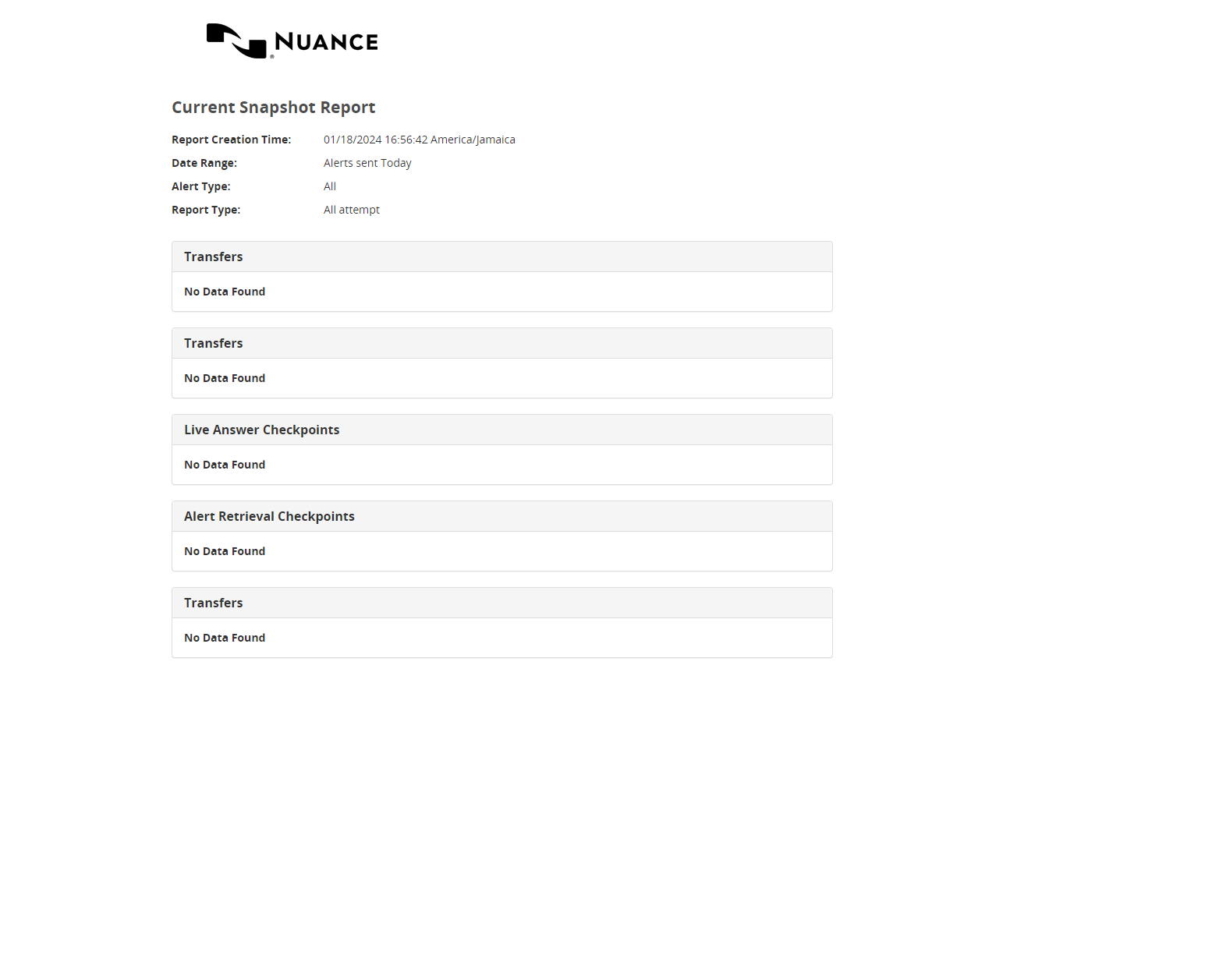
This report is designed to show all key important high-level information in one view, and consists of up to four different tables.
See also:
To build the report:
- Under Reports, select Analysis, then Current Snapshot.
- Select Alerts Sent Today or Alerts Received Today.
- Select an Alert Type.
- If your applications are configured to use reporting filters, make a selection under Filters and Alert Types.
- Select a Report Type: Latest Attempt or All Attempts.
- Select the Type of Data:
- Production Data
or
- Test Data
- Select Run Report.
Below is an example Current Snapshot report.