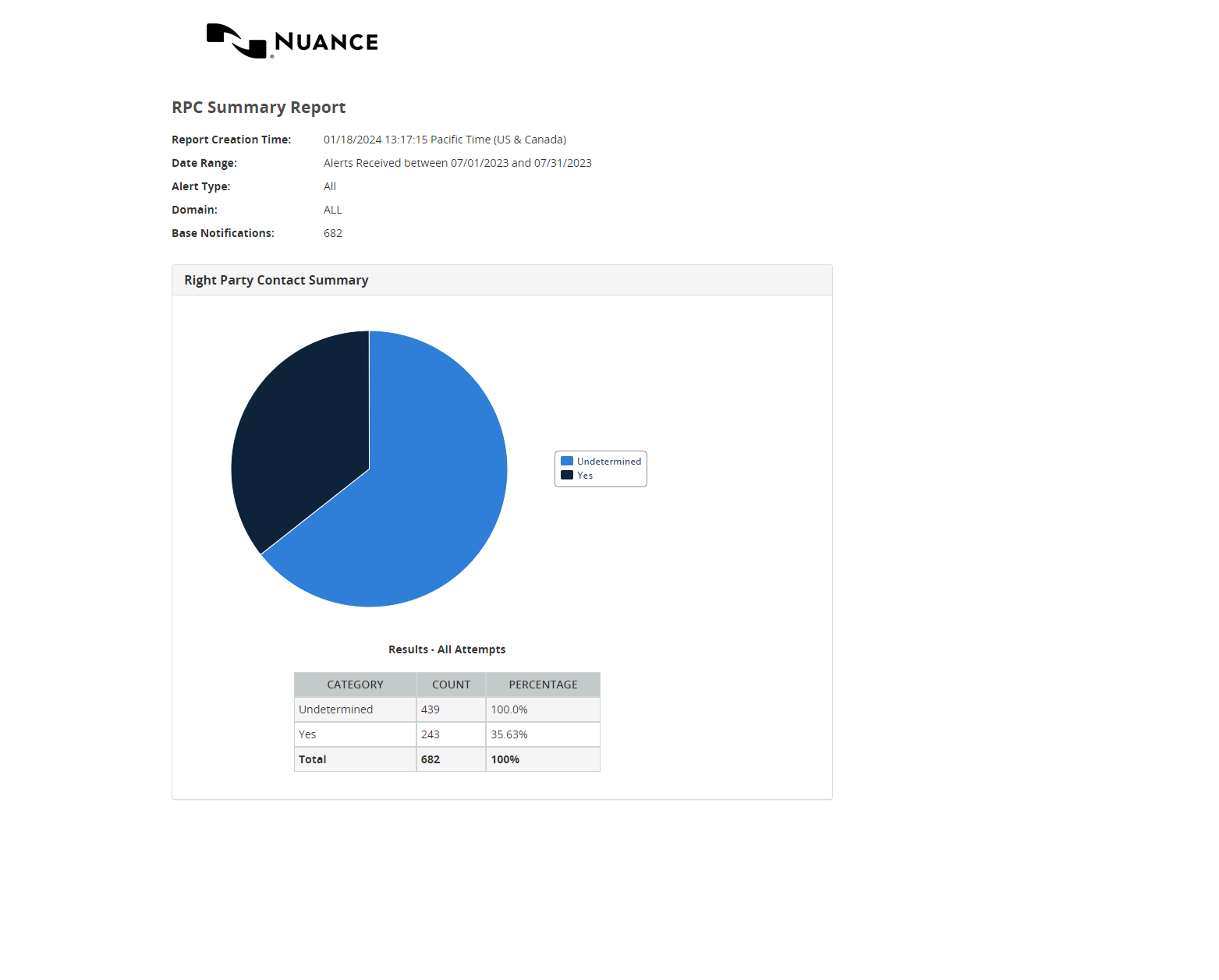
Building RPC Summary reports
Displays the number of recipients who verified they are the intended party (the Right Party Contact) for the notification.
See also:
Example: You want to produce a report showing only RPCs.
To build the report:
- Under Reports, select Summary, then RPC Summary.
- Enter a Date Range. Data is available for up to the past 13 months, but report query spans must be 31 days or less.
- Select a Reporting Domain.
- Select an Alert Type.
- If your applications are configured to use reporting filters, make a selection under Filters and Alert Types.
- Select a Report Type: Latest Attempt or All Attempts.
- Select the Type of Data:
- Production Data
or
- Test Data
- Select Run Report.